

Want more people to find your website through Google? Improving SEO doesn't require you to change everything at once. The best results usually come from consistently improving your content, technical performance, user experience, and authority.
Whether you're running a small business, an online store, a SaaS company, or a personal website, this guide explains practical ways to improve your website SEO and increase your chances of appearing higher in search results.
What Is SEO?
Search engine optimization (SEO) is the process of improving a website so that search engines can better understand its content and users can find it through relevant searches.
SEO includes several areas, including:
- Keyword research
- Content optimization
- Technical SEO
- Website performance
- Internal linking
- Backlinks
- User experience
- Local SEO
- Competitor research
You don't need to master everything immediately. Start with the fundamentals and improve your website step by step.
1. Research the Right Keywords
Before creating or optimizing a page, determine what your potential visitors are actually searching for.
Instead of targeting extremely broad keywords such as "marketing" or "shoes," consider more specific searches that match your audience's intent.
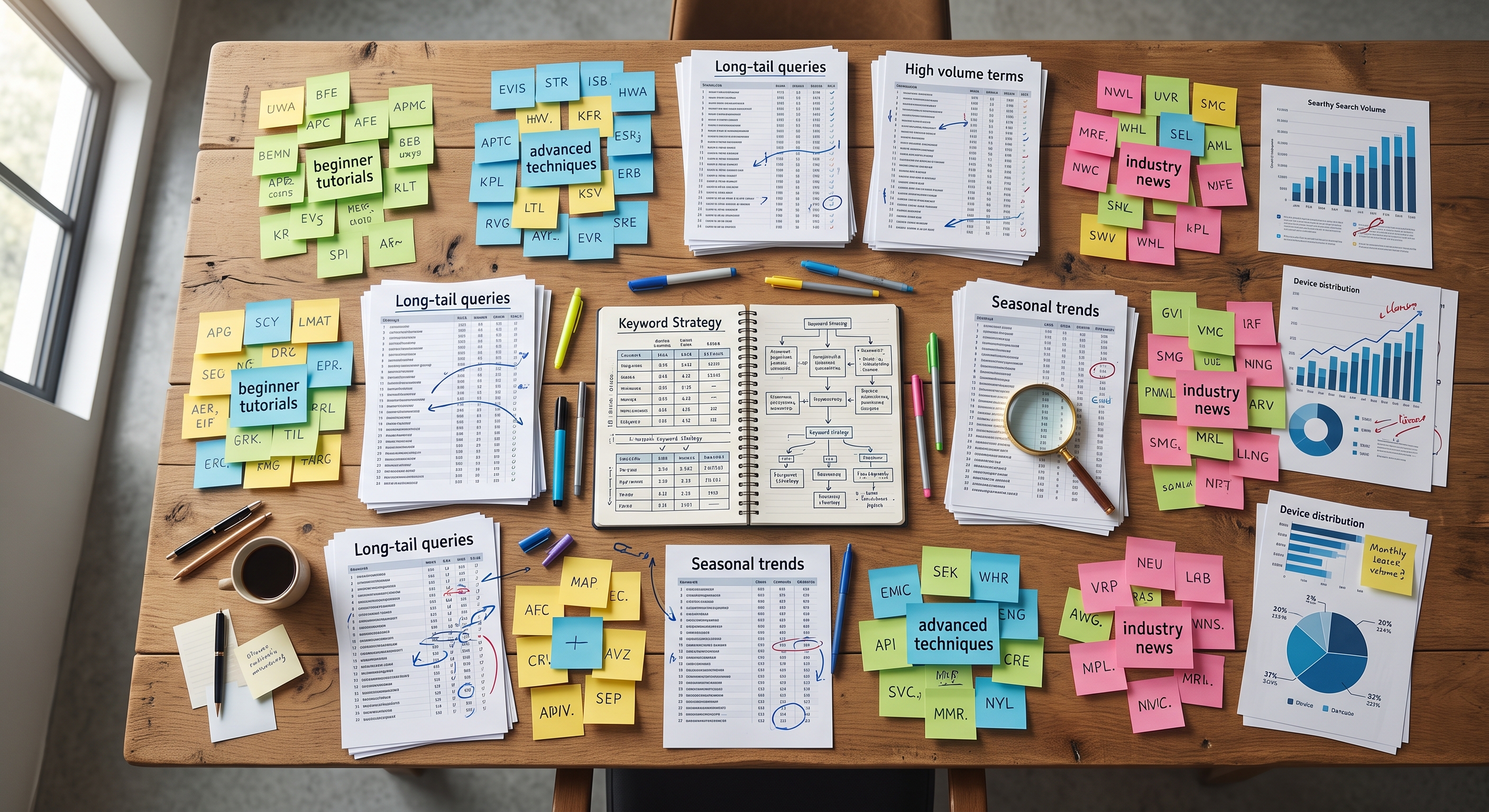
For example:
- "best running shoes for beginners"
- "how to improve website SEO"
- "SEO tools for small businesses"
- "how to create an online survey"
Longer and more specific keywords can be easier to target and often indicate stronger search intent.
Don't just look at search volume
A keyword with thousands of monthly searches isn't necessarily better than one with a few hundred.
Ask yourself:
Does this keyword represent someone who could actually become my customer?
Relevance and search intent are just as important as search volume.
2. Optimize Your Page Titles
Your page title helps search engines and users understand what your page is about.
A good title should:
- Clearly describe the page
- Include the primary keyword naturally
- Encourage users to click
- Accurately represent the content
For example, instead of:
SEO Tips
try:
15 Practical Ways to Improve Your Website SEO in 2026
Avoid stuffing the same keyword into your title multiple times. Write titles for people first.
3. Write Better Meta Descriptions
A meta description provides a short summary of a webpage and can influence whether someone decides to click your result.
A useful meta description should explain:
- What the page is about
- What the visitor will learn
- Why the page is worth visiting
For example:
Learn 15 practical ways to improve website SEO, from keyword research and technical SEO to content optimization and link building.
Keep it natural and relevant to the actual page.
4. Use Clear Headings
Good headings make your content easier to understand for both visitors and search engines.
Use a logical hierarchy:
H1: Main page title
H2: Major sections
H3: Subsections
For example:
H1: How to Improve Website SEO
H2: Improve Your On-Page SEO
H3: Optimize Your Page Titles
H3: Improve Your Meta Descriptions
Don't create headings simply to insert keywords. Use them to organize your content.
5. Create Content That Actually Helps People
Publishing hundreds of low-quality pages isn't a substitute for useful content.
Instead, create content that genuinely answers the questions your audience has.
Before publishing an article, ask:
- Does this answer the searcher's question?
- Is the information accurate?
- Is it easy to understand?
- Does it provide useful examples?
- Does it offer something more useful than competing pages?
- Would I recommend this article to someone?
The goal shouldn't simply be to get a page indexed.
The goal should be to create a page worth visiting.
6. Improve Internal Linking
Internal links connect pages on your own website.
For example, if you have an article about SEO and another page explaining how businesses can outsource research tasks, you can link between them where relevant.
Internal linking can help:
- Visitors discover related content
- Search engines discover pages
- Search engines understand relationships between pages
- Important pages receive more internal link authority
Don't add links randomly. Link to pages that genuinely provide additional value.
7. Optimize Your Images
Large and poorly optimized images can slow down your website.
Consider:
- Compressing images
- Using modern formats such as WebP or AVIF where appropriate
- Using descriptive filenames
- Adding meaningful alt text
- Serving appropriately sized images
For example, instead of an image filename like:
IMG_8392.jpg
a descriptive filename could be:
website-seo-checklist.jpg
Alt text should describe the image when the image conveys useful information.
8. Improve Website Speed
Website performance matters for both users and SEO.
Visitors don't want to wait several seconds for a page to load.

Check areas such as:
- Largest Contentful Paint (LCP)
- Interaction to Next Paint (INP)
- Cumulative Layout Shift (CLS)
- First Contentful Paint (FCP)
- Server response time
- Image sizes
- JavaScript execution
- Render-blocking resources
You can use tools such as Google's PageSpeed Insights and Search Console to identify potential problems.
However, don't obsess over achieving a perfect score.
Focus on creating a website that is fast, stable, and pleasant to use.
9. Make Your Website Mobile-Friendly
A large portion of web traffic comes from mobile devices.
Your website should work properly on different screen sizes.
Check:
- Text readability
- Navigation
- Buttons
- Forms
- Images
- Tables
- Pop-ups
- Page spacing
Try using your website on an actual phone rather than relying only on a desktop browser.
If visitors struggle to navigate your website on mobile, SEO improvements may not translate into better business results.
10. Fix Technical SEO Problems
Technical problems can make it harder for search engines to crawl and understand your website.
Regularly check for issues such as:
- Broken links
- Incorrect redirects
- Missing or incorrect canonical tags
- Duplicate pages
- Incorrect robots.txt rules
- Indexing problems
- Missing sitemap
- Pages accidentally marked as noindex
- 404 errors
Google Search Console is particularly useful for identifying indexing and search-performance issues.
Technical SEO doesn't have to be complicated. Start by fixing obvious problems that prevent important pages from being discovered or indexed correctly.
11. Build Relevant Backlinks
Backlinks are links from other websites to your website.
Links from relevant and trustworthy websites can help establish authority.
However, don't treat link building as a numbers game.
A hundred irrelevant or low-quality links aren't necessarily better than a few genuinely useful mentions from relevant websites.
Some legitimate approaches include:
- Publishing useful resources
- Digital PR
- Guest contributions where appropriate
- Creating original research
- Producing statistics and data
- Building relationships within your industry
- Creating content people naturally want to reference
Avoid manipulative link schemes and focus on earning links because your content is genuinely useful.
12. Improve Your Local SEO
If your business serves customers in a particular location, local SEO can be extremely valuable.
Make sure your business information is accurate and consistent.
Depending on your business, this can include:
- Creating and maintaining your Google Business Profile
- Keeping your address and contact information accurate
- Collecting genuine customer reviews
- Creating relevant local content
- Building relevant local citations
- Optimizing location pages
Local SEO is especially important for businesses such as restaurants, contractors, agencies, stores, and professional services.
13. Analyze Your Competitors
Your competitors can reveal opportunities you haven't considered.

Look at pages that rank for your target keywords and analyze:
- What topics they cover
- How comprehensive their content is
- What questions they answer
- How their pages are structured
- Which keywords they target
- What websites link to them
- What types of content they publish
The goal isn't to copy your competitors.
Instead, identify what searchers need and find ways to create something more useful, clearer, or more complete.
14. Monitor Your Search Performance
SEO isn't something you do once and forget.
Track your website's performance over time.
Useful metrics include:
- Organic clicks
- Organic impressions
- Average position
- Click-through rate
- Indexed pages
- Top-performing pages
- Declining pages
- Keywords generating traffic
Google Search Console can help you understand how your website is appearing in Google Search.
Analytics tools can then help you understand what visitors do after arriving on your website.
Use this data to decide what to improve next.
15. Outsource Repetitive SEO Tasks
SEO can involve a surprising amount of repetitive work.
For example, a business might need people to:
- Research keywords
- Check search results
- Collect competitor data
- Review websites
- Categorize keywords
- Check pages for specific issues
- Gather information from search results
- Evaluate content
- Perform data collection
- Test different search queries
Not every SEO task requires an expensive specialist.
Some tasks can be clearly defined and completed by people following straightforward instructions.
That's where crowdsourcing can become useful.

Use TaskerData for Human-Powered SEO Tasks
TaskerData allows businesses and researchers to create online tasks that workers can complete.
For example, instead of manually asking your team to review hundreds of search results, you could create a structured task explaining exactly what information needs to be collected.
This can be useful for research-heavy SEO workflows where you need human input at scale.
The important part is to create clear instructions, define the expected output, and make the task easy for workers to understand.
SEO doesn't always require doing every task yourself.
Sometimes the better approach is to focus your team on strategy and use other people to handle clearly defined, repetitive work.
SEO Checklist
Before considering an important page optimized, run through this quick checklist:
- Is the page targeting a relevant keyword?
- Does the title accurately describe the page?
- Is the primary keyword used naturally?
- Is the content genuinely useful?
- Are headings organized logically?
- Does the page have relevant internal links?
- Are images properly optimized?
- Is the page mobile-friendly?
- Does the page load quickly?
- Are there broken links?
- Can search engines crawl and index the page?
- Is the URL clear and descriptive?
- Does the page satisfy the searcher's intent?
- Are you monitoring its performance?

SEO Is a Long-Term Process
There is no single change that will suddenly make every website rank at the top of Google.
Successful SEO usually comes from many improvements working together.
Start with the basics: create useful content, target relevant searches, improve your technical foundation, make your website fast and accessible, build authority naturally, and continually measure your results.
And when SEO creates too much repetitive work, consider outsourcing clearly defined tasks so your team can spend more time on strategy and growth.
Want to get human help with repetitive online work? Explore TaskerData and create a task for workers to complete.