
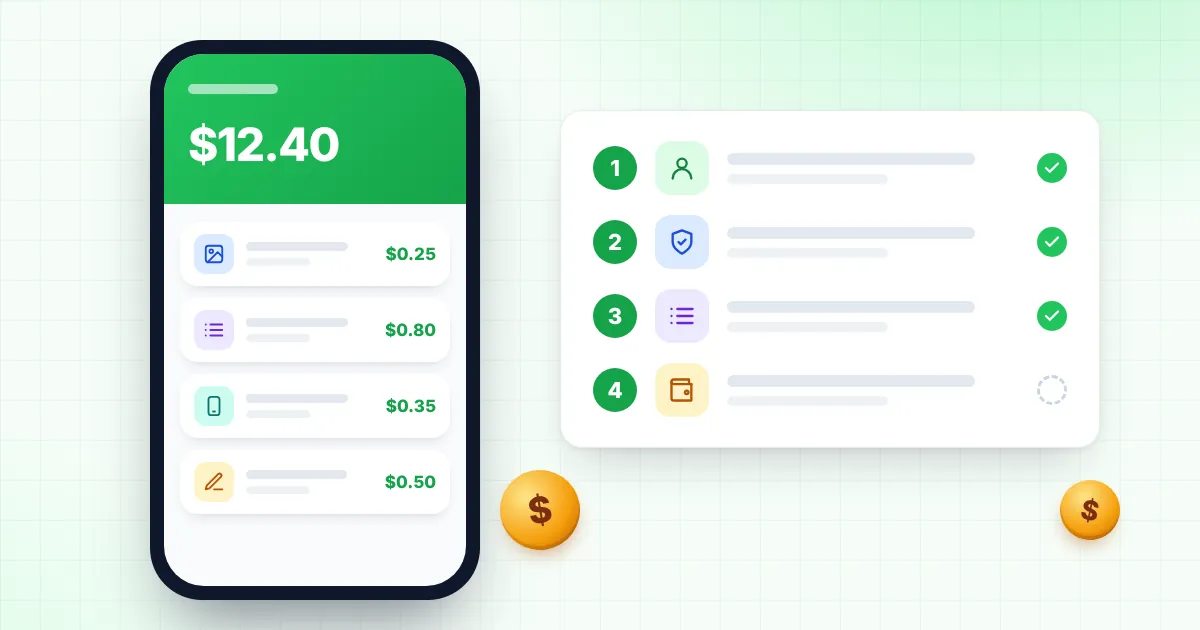
You do not need a degree, a CV or special software to start earning online. Microtask sites pay you for small jobs that anyone with a phone or computer can do. The money per task is small, but it adds up, and you can work whenever you have a few spare minutes. This guide shows what to expect and how to get your first payout quickly.
What are microtasks?
A microtask is a small job that a person can do faster or better than a computer. Businesses and researchers split big projects into thousands of these and pay people online to do them. Typical examples:
- Checking and tagging: say what is in a photo, or whether a search result matches the question.
- Surveys and studies: answer questions for research or market studies.
- Testing: install an app or visit a website and report what you see.
- Social media and reviews: follow, watch or write a short honest comment.
- Writing and data entry: short descriptions, copying information, simple translations.
- AI training: rate or compare answers written by AI chatbots.
How much can you really earn?
Be realistic. Simple tasks pay from a few cents to a dollar or two each. Most beginners earn a few dollars a day in their first weeks, and more once they pass qualification tests and learn which tasks suit them. Surveys and AI projects pay better per hour but are harder to get into. Anyone promising $100 a day for clicking ads is not telling the truth.
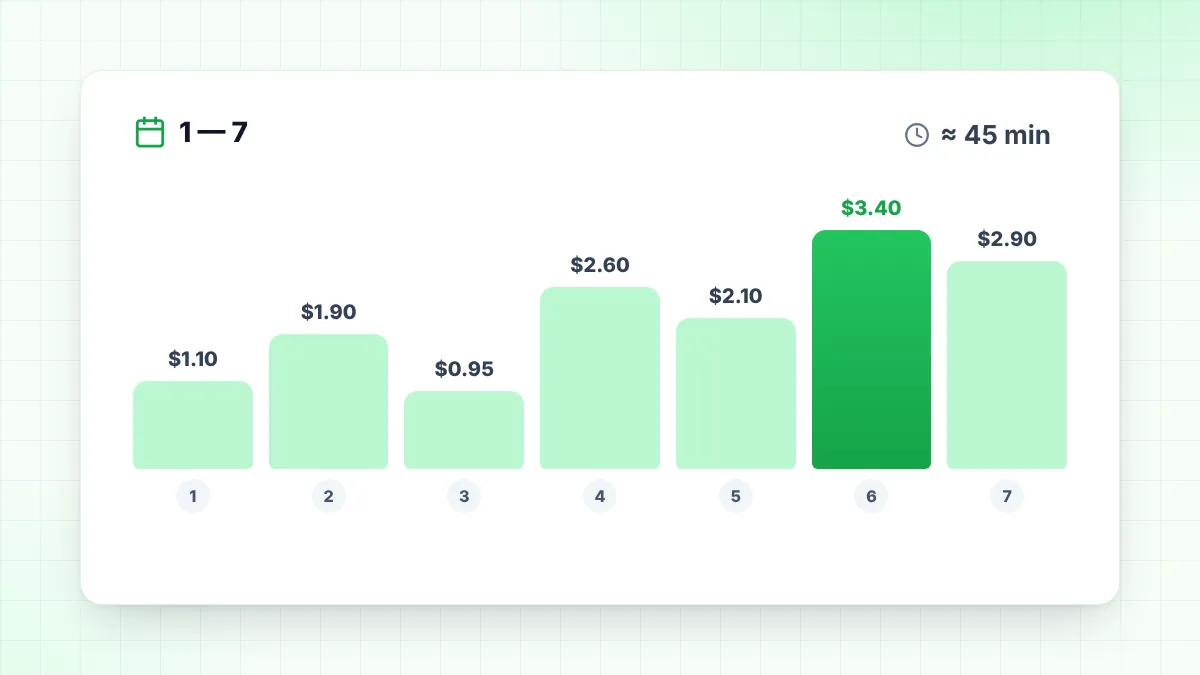
Your first week, step by step
Day 1: sign up the right way
Choose one or two platforms that are open in your country and have a low cash-out minimum. Sign up with your real name, country and email address. These details are checked when you cash out, and a mismatch is the most common reason payouts get blocked. Use a strong password and turn on two-factor authentication.
Day 2: pass the screening and qualification tests
Many sites start with a short screening test, and requesters use qualification tests to find good workers. Take your time on these. Passing them unlocks more and better-paid tasks, and some pay you just for taking them.
Days 3 to 5: build your success rate
Start with simple tasks and read every instruction twice. Your approval rate matters more than speed in the beginning, because many requesters only show their tasks to workers with a high rate. Before you submit, check that your proof shows exactly what the task asked for.
Days 6 and 7: cash out
Request your first payout as soon as you reach the minimum. It proves the site pays, and you learn how long it takes. On TaskerData, for example, you can cash out from $5 in crypto or by SEPA bank transfer, or choose a gift card.
How to avoid rejections
- Follow the instructions exactly, even if you think there is a quicker way.
- Send clear, full-screen screenshots that show the required detail.
- Never copy answers from other people or paste AI text where a personal answer is asked for.
- If you think a rejection was unfair, use the site's dispute or appeal option and explain calmly.
Scams and red flags
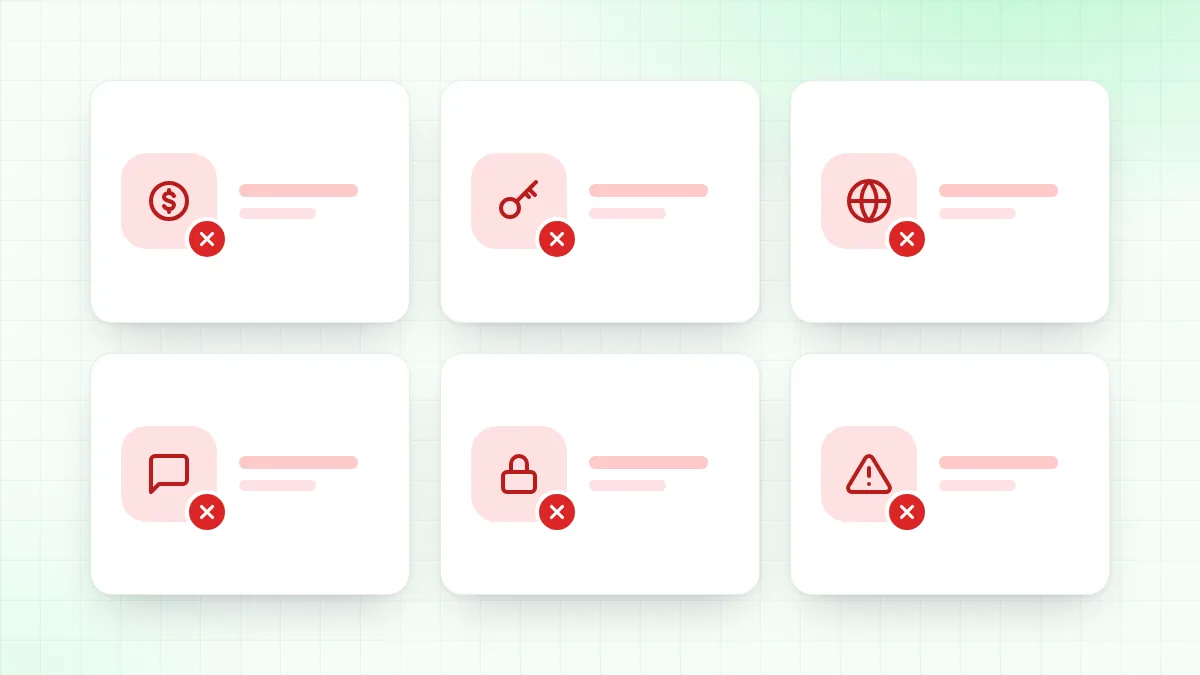
- Paying to join or to "unlock" tasks. Real platforms are free for workers.
- Accounts for sale. Buying an account from another country breaks the rules and usually ends with a ban and lost earnings.
- Using a VPN to pretend you live somewhere else. Most sites forbid it.
- Tasks arranged in chat apps that ask you to send money first, then promise a bigger payment.
- Anyone asking for your password or a verification code.
- Unrealistic promises like hundreds of dollars a day for simple clicks.
Tips to earn more
- Check for new tasks at different times of day. New campaigns open around the clock.
- Use a computer for tasks with screenshots or long forms; use your phone for app tests and quick jobs.
- Keep a simple log of time and earnings, then focus on the task types with the best rate for you.
- Invite friends with your referral link if the site offers one. On TaskerData, you earn 5% of what the people you invite make from tasks, paid by us, not taken from them.
Frequently asked questions
Can I do microtasks on my phone?
Yes. Most tasks work in a mobile browser, and some, like app tests, are phone-only. Longer forms are easier on a computer.
Do I need to pay taxes on this money?
In many countries, yes, even for small amounts. Rules depend on where you live, so check with your local tax office.
Which site should I start with?
Start with a site that is open in your country and has a low cash-out minimum. Our list of the best microtask sites in 2026 compares the main options.
Ready to start? Create a free TaskerData account, take the short screening test and pick your first task today.