
Why top creators test thumbnails, hooks, and titles with real people first — and how to run your own feedback panel on TaskerData.
Here's the uncomfortable truth about YouTube: by the time your analytics tell you a video failed, it's already too late. The algorithm tested it, viewers didn't click or didn't stay, and distribution dried up. Your only "feedback" was a flat line in YouTube Studio.
Big creators solve this by testing before they publish. MrBeast famously iterates on dozens of thumbnail versions. Mid-size channels run title polls in Discord servers. But if you don't have a team or a 50,000-person community to poll, how do you get honest human feedback?
That's exactly the kind of task a microtask platform is built for. On TaskerData, you can put your thumbnail, title, or video in front of dozens of real people within hours and pay them a few cents each to tell you what they honestly think. Not to inflate your view count — YouTube's fake engagement rules prohibit that, and it doesn't work anyway — but to give you the data to make videos people genuinely want to click and watch.
Here are five feedback campaigns creators run, and how to set each one up well.
1. Thumbnail preference testing
The single highest-leverage test. Show workers 2–4 thumbnail candidates side by side and ask: "Which of these would you click, and why?"
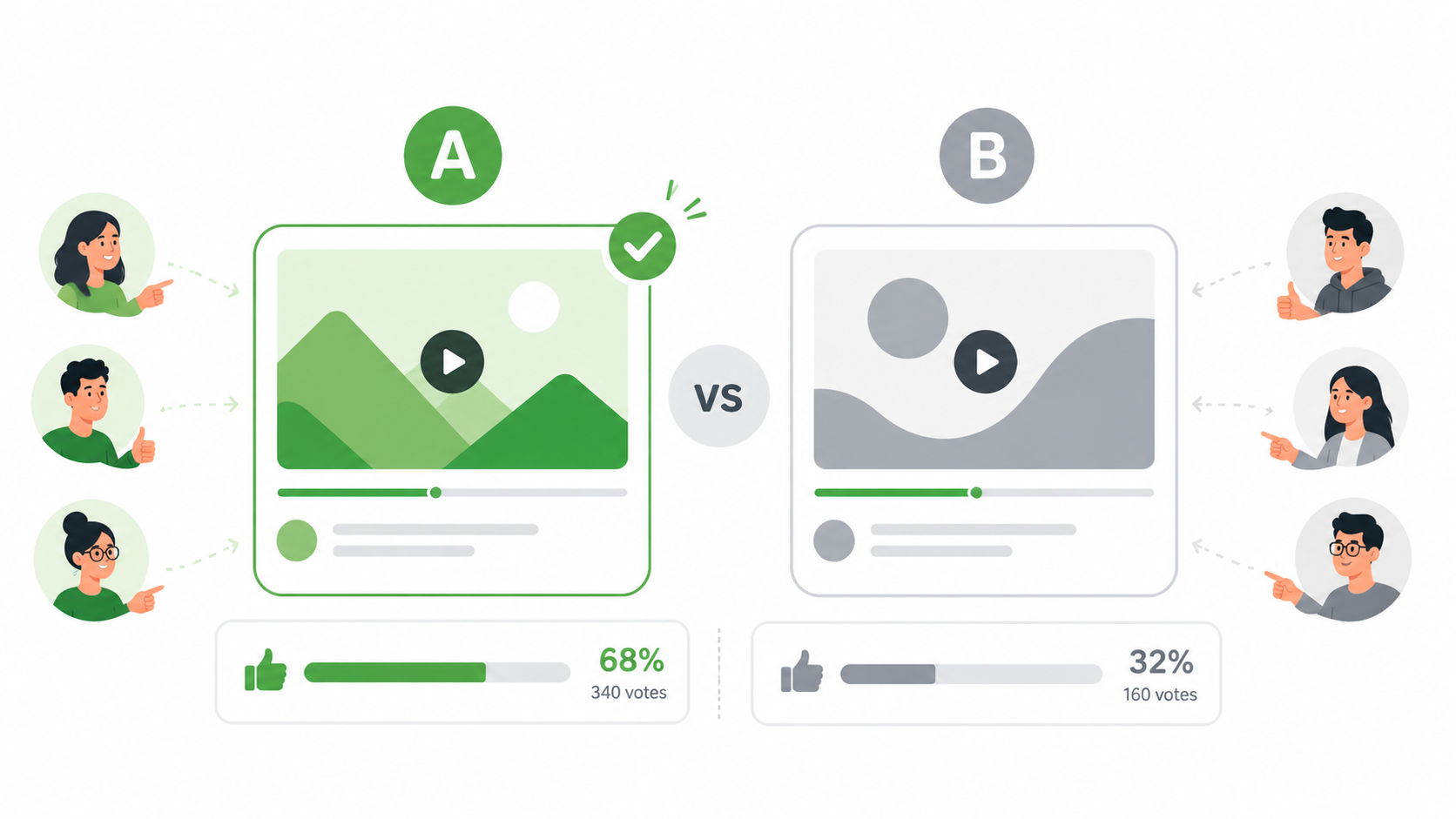
How to set it up on TaskerData: Create a campaign with your thumbnail images, require a selection plus a one-sentence written reason, and collect 30–50 responses. The written reason is the gold — "I picked B because I could actually read the text" tells you more than the raw vote split.
Pro tip: Show thumbnails at small size, the way they appear on a phone feed. A thumbnail that wins at full resolution can lose badly at 160 pixels wide.
2. Title testing
Pair each thumbnail with 2–3 title options and ask workers which combination they'd click. Titles and thumbnails work as a unit — a curiosity-gap title needs a thumbnail that doesn't give away the answer, and vice versa. Ask a follow-up: "What do you expect this video to be about?" If expectations don't match your actual video, you've found a future retention problem before it cost you a video.
3. Hook and intro feedback
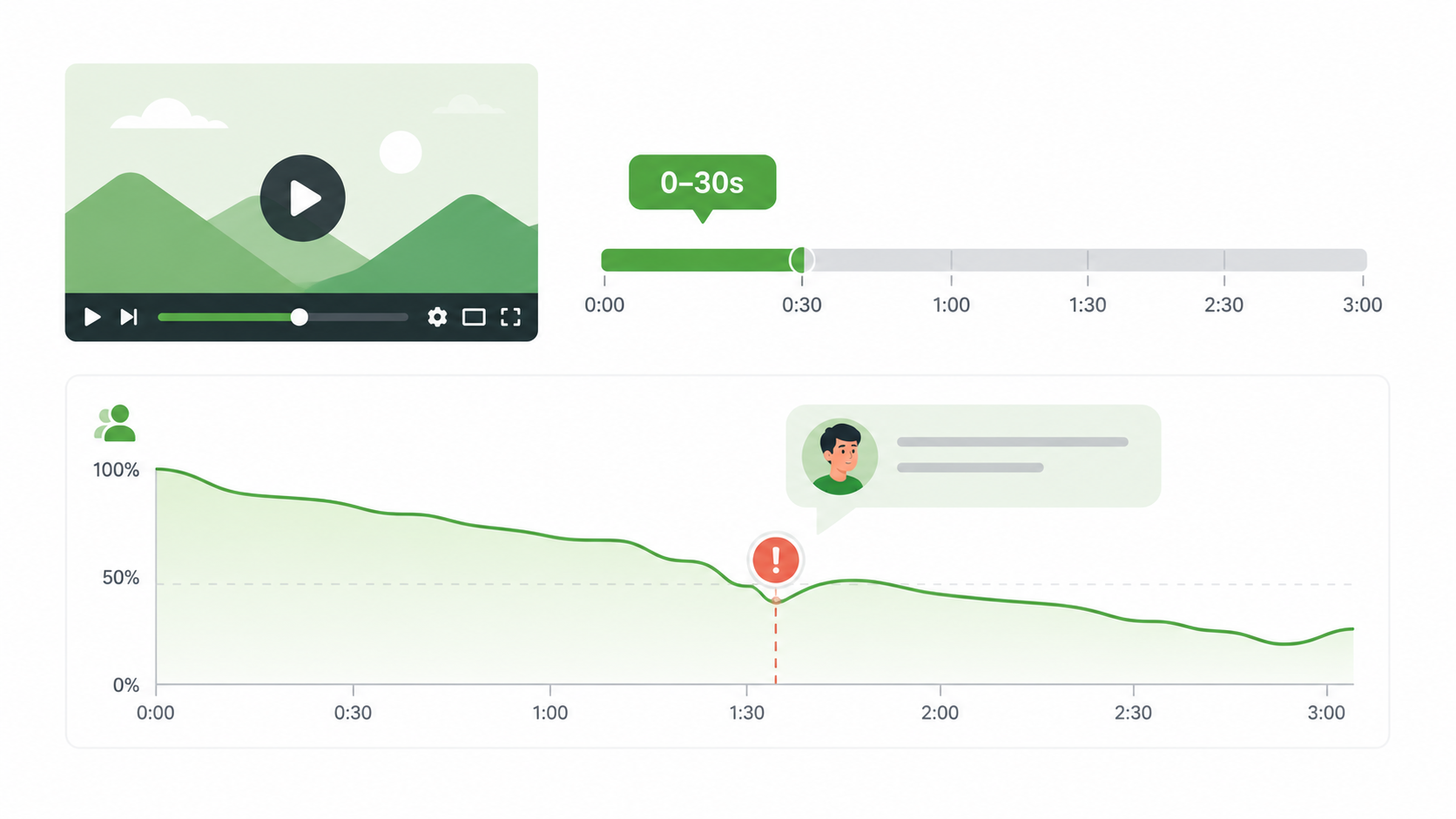
Upload just the first 30–60 seconds of your video and ask: "Would you keep watching? At what moment did you consider clicking away?" Early audience retention is the metric YouTube weighs most heavily, and creators are consistently blind to their own slow intros. Ten strangers telling you they got bored at second 14 is worth more than any amount of self-review.
4. Full-video critique panels
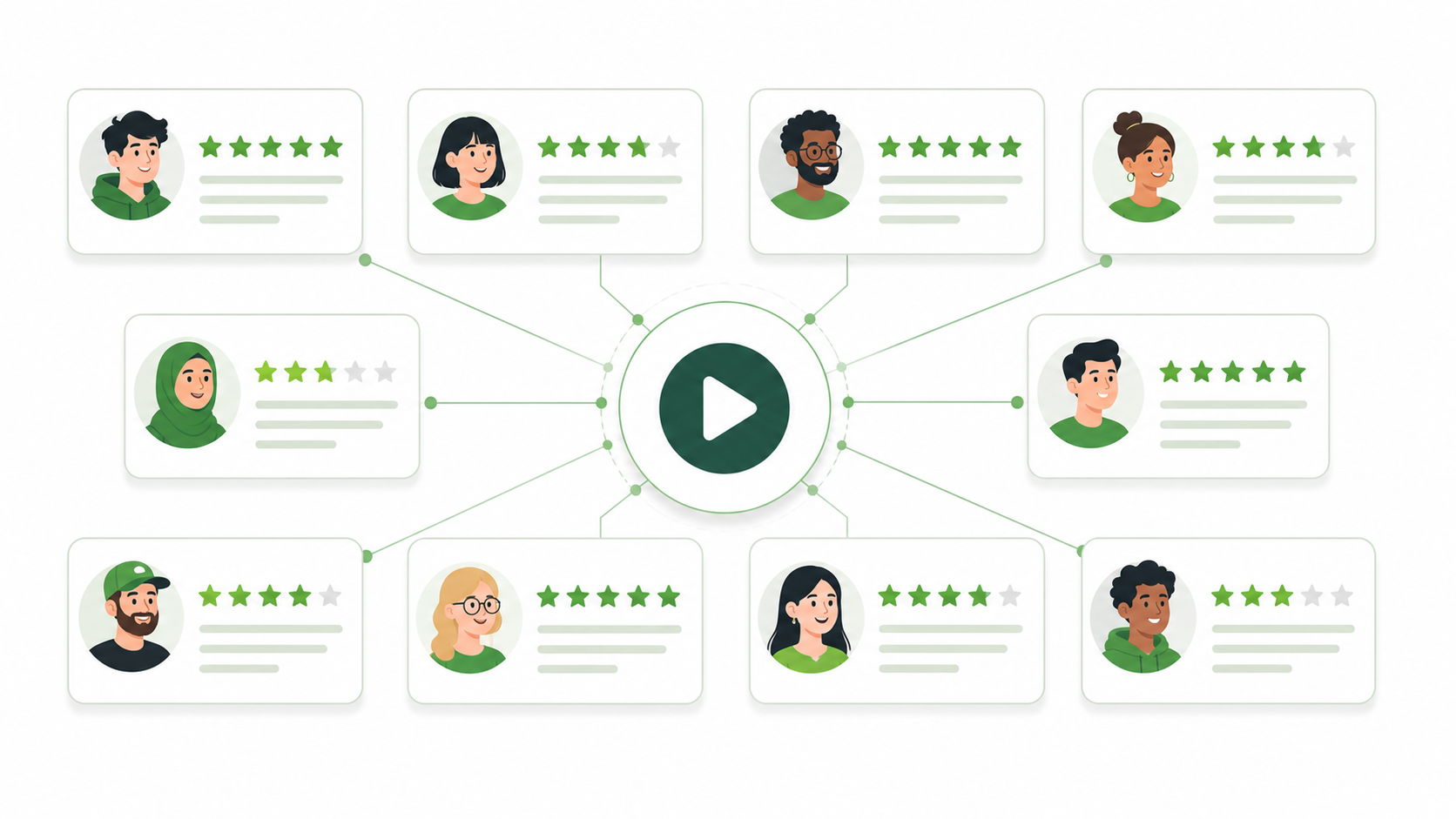
For bigger productions, pay a smaller panel (10–15 workers) a higher rate to watch the entire video and answer structured questions: Where did pacing drag? Was anything confusing? What would you tell a friend this video is about? Use qualification requirements to filter for workers in your target demographic — feedback on a gaming video from people who watch gaming content is far more useful than random opinions.
5. Competitor and niche research
Feedback tasks don't have to be about your own content. Ask workers to compare your channel page against two competitors: "Which channel would you subscribe to, and why?" Or have them search your target keyword on YouTube and report which result they'd click first. This is audience research that agencies charge thousands for, run for the price of a coffee.
Writing tasks that get honest answers
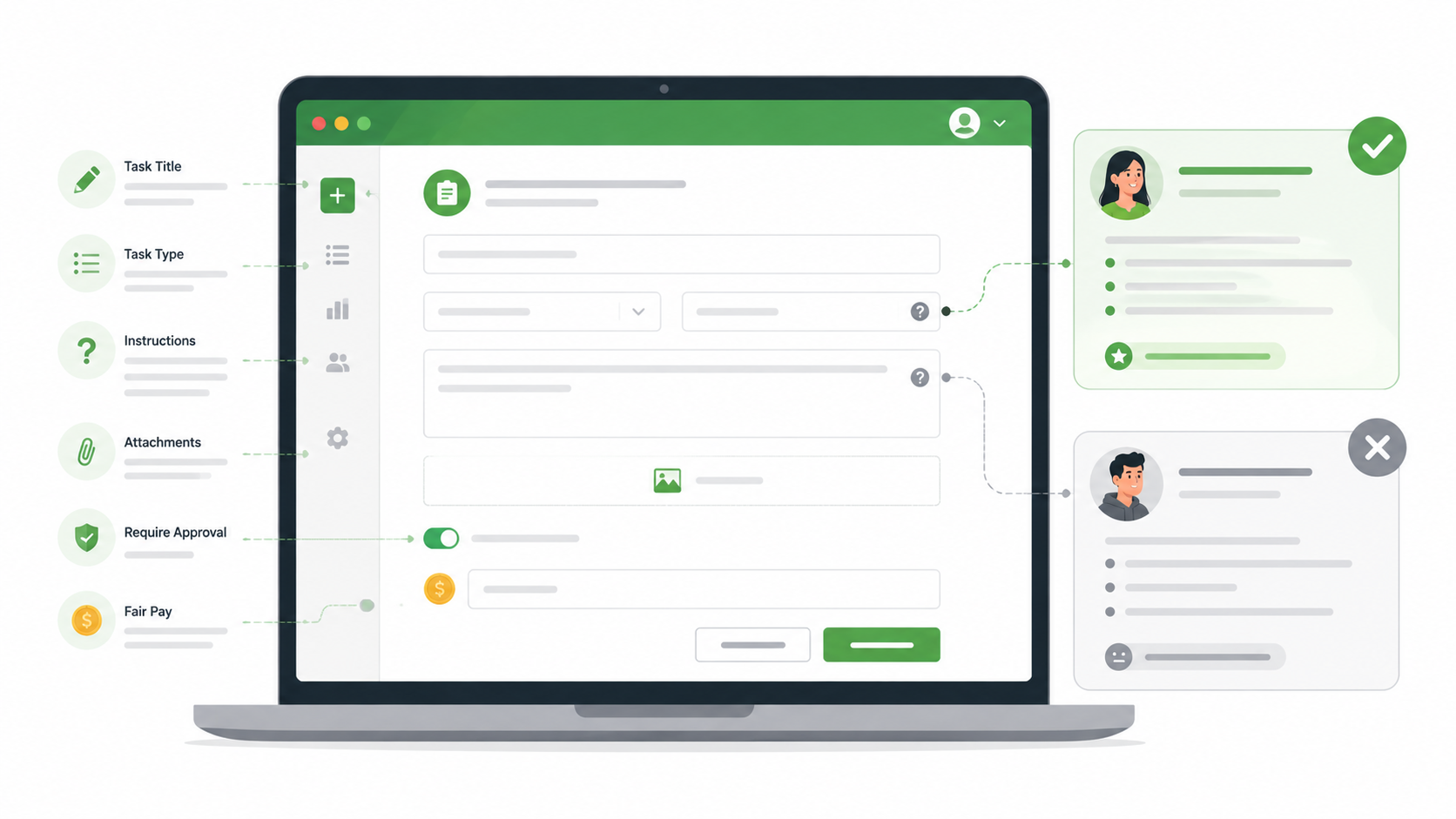
Whatever you test, the quality of your feedback depends on how you write the task:
Ask for reasons, not just votes. Require a written sentence with every selection. It filters low-effort responses and produces the insight.
Never signal the "right" answer. "Which thumbnail is better, A or my new one B?" biases everything. Present options neutrally and randomize their order if you can.
Use screening questions. A quick "What was the video about?" check confirms the worker actually watched before you count their opinion.
Pay fairly and reject rarely. Fair rates attract the experienced workers who give thoughtful answers, and your requester reputation follows you on the platform.
What this is not: a way to buy views
Worth stating plainly, because plenty of shady services blur this line. Paying people to watch your video to inflate its view count violates YouTube's fake engagement policy. Those views get purged, they wreck your retention metrics, and they can get a channel terminated. TaskerData feedback campaigns are different in kind: you're purchasing opinions and data, delivered to you on the platform — not engagement signals delivered to YouTube. The views that grow your channel afterward come the only way they ever really do: from making better videos.
The bottom line
The gap between creators who grow and creators who stall usually isn't talent — it's feedback loops. Channels that test thumbnails, titles, and hooks with real humans before publishing simply make fewer expensive mistakes. With a microtask panel, that testing loop costs a few dollars and a few hours per video.
Ready to run your first feedback campaign? Sign up as a requester on TaskerData, upload your thumbnail candidates, and have 30 honest opinions in your dashboard by tonight.